Smartcode Live Chat
WordPress Live Chat Plugin
Overview
Smartcode Live Chat puts a live chat widget on your WordPress site in minutes — no third-party accounts, no monthly SaaS fees, and no visitor data sent to servers you don't control. Everything runs on your own hosting, in your own database.
When a visitor starts a chat, your agents are notified instantly. They accept the conversation from the WordPress admin bar or dashboard, reply in a real-time popup window, and the visitor sees responses as they're typed.
Screenshots
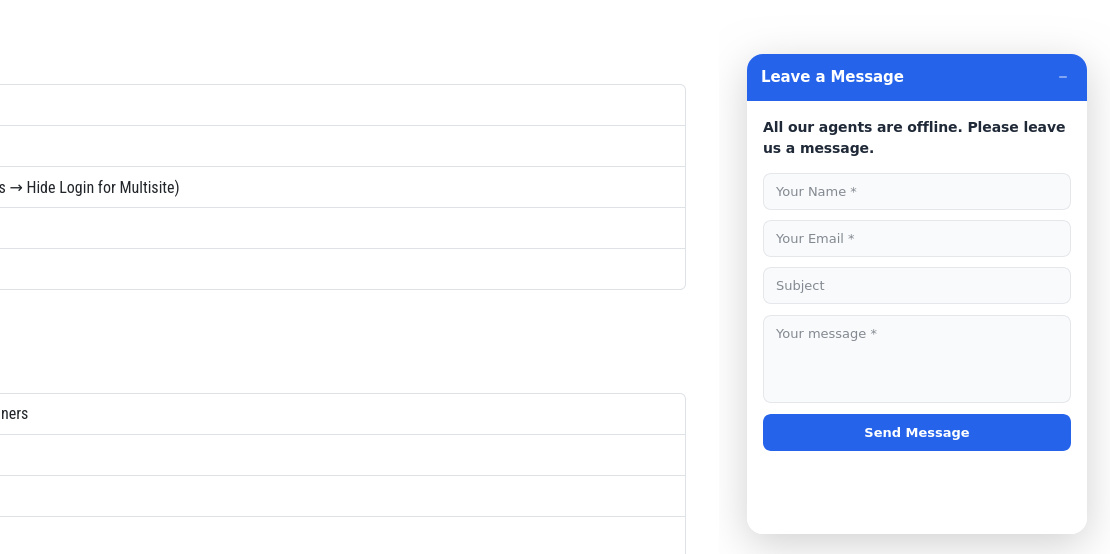
Front end — Contact form when no agent is online
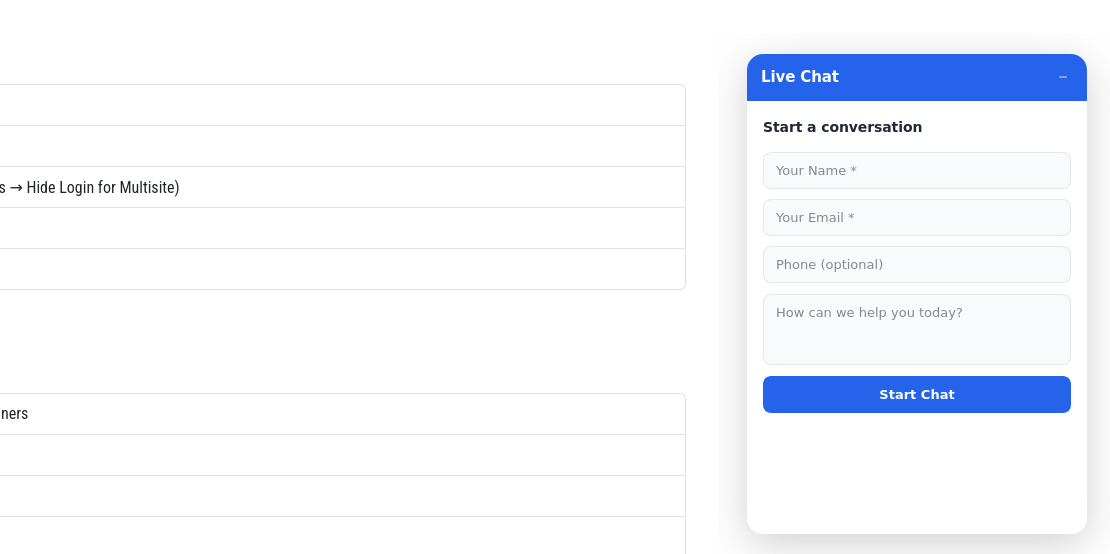
Front end — Start a new chat conversation
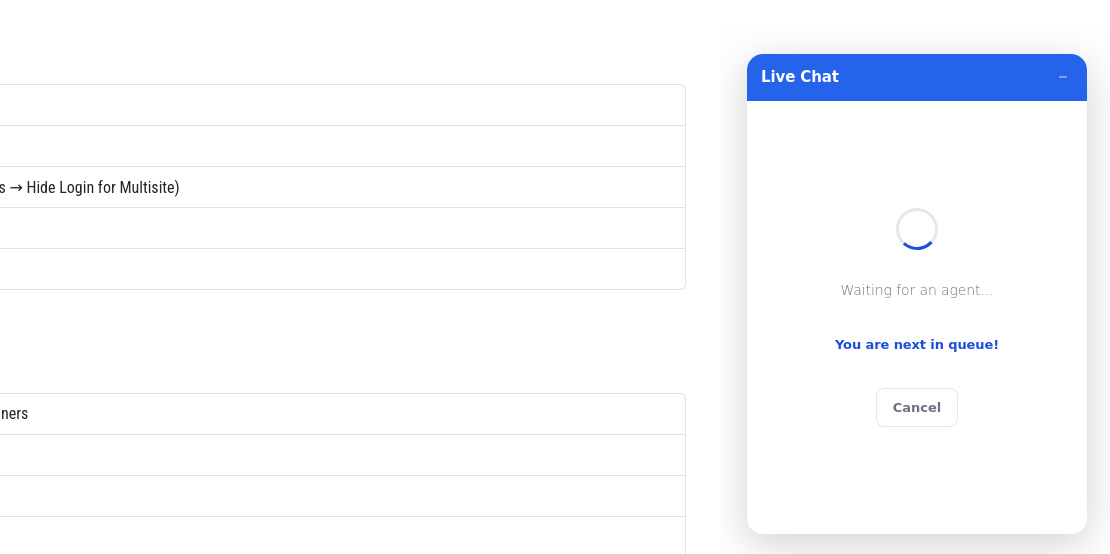
Front end — Shows user position in queue
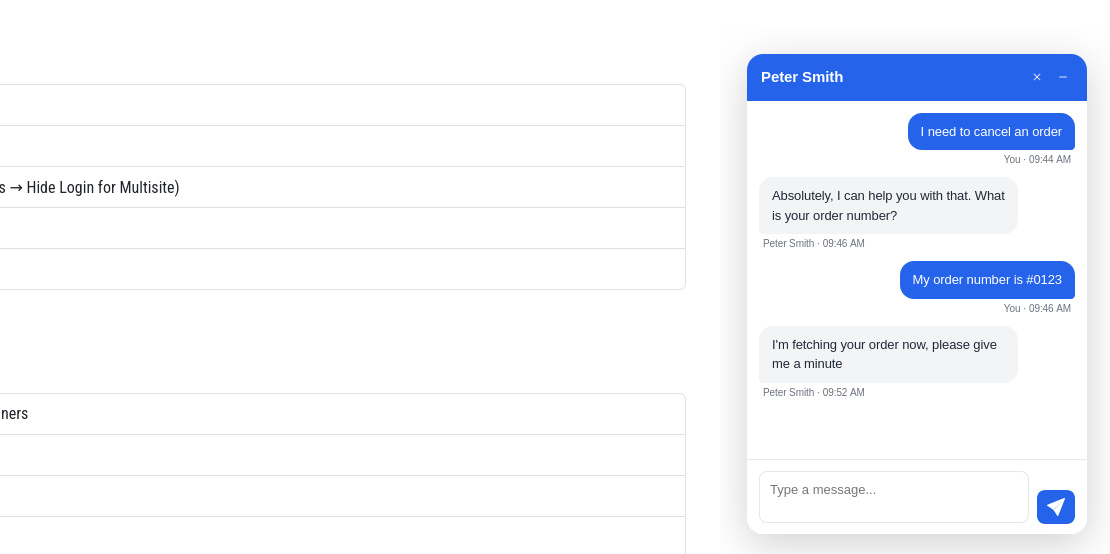
Front end — Active Chat Conversation
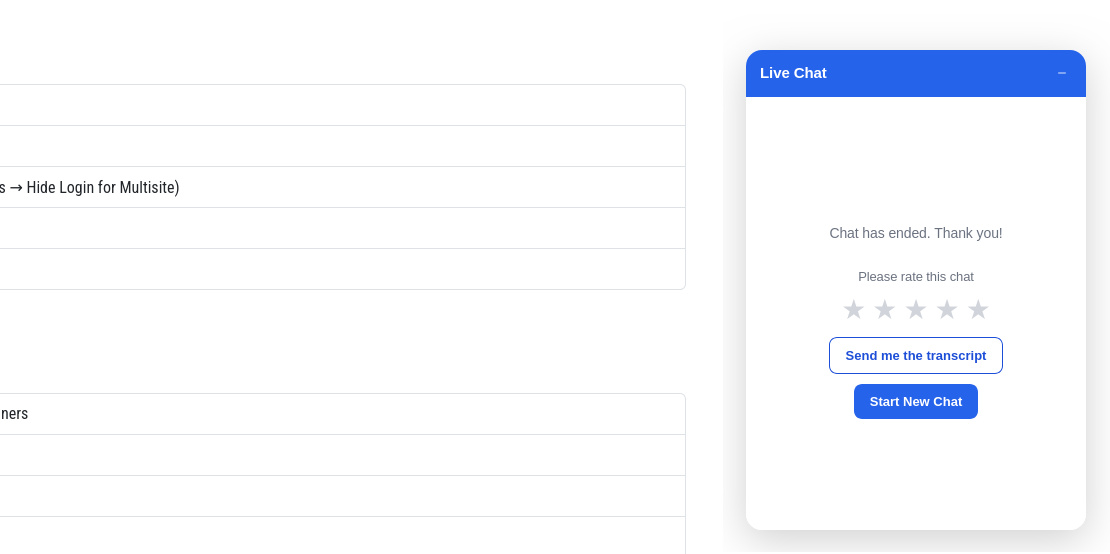
Front end — Current chat has ended
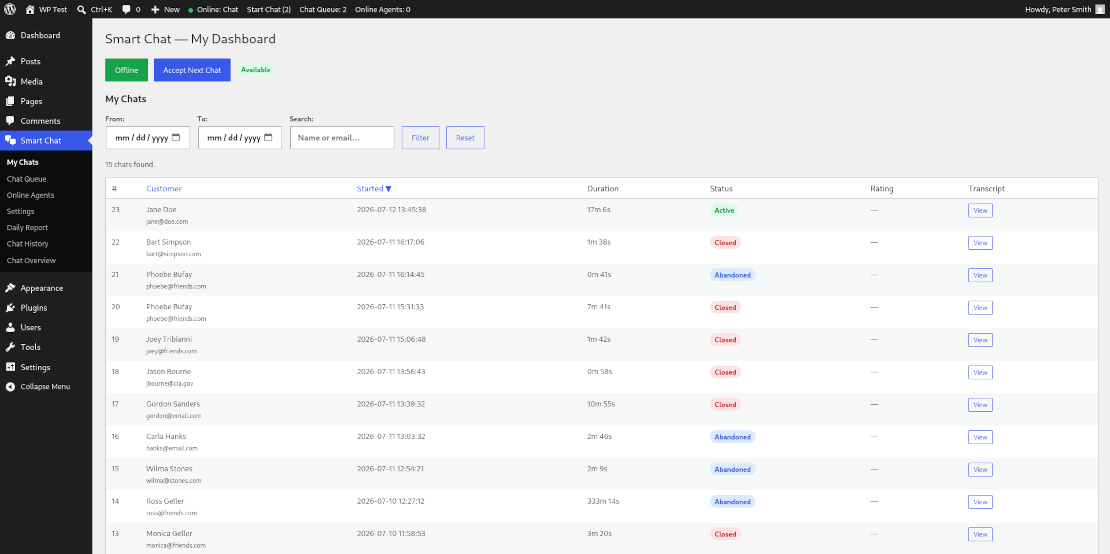
Agent dashboard — My Chats view with filters, sorting, and ratings
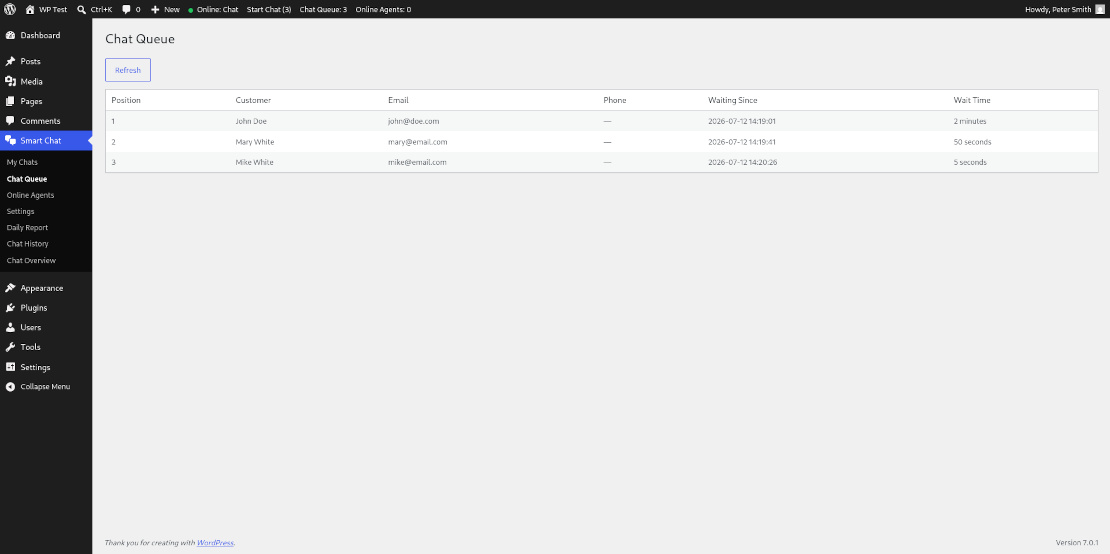
Chat Queue — live queue with customer details and wait times
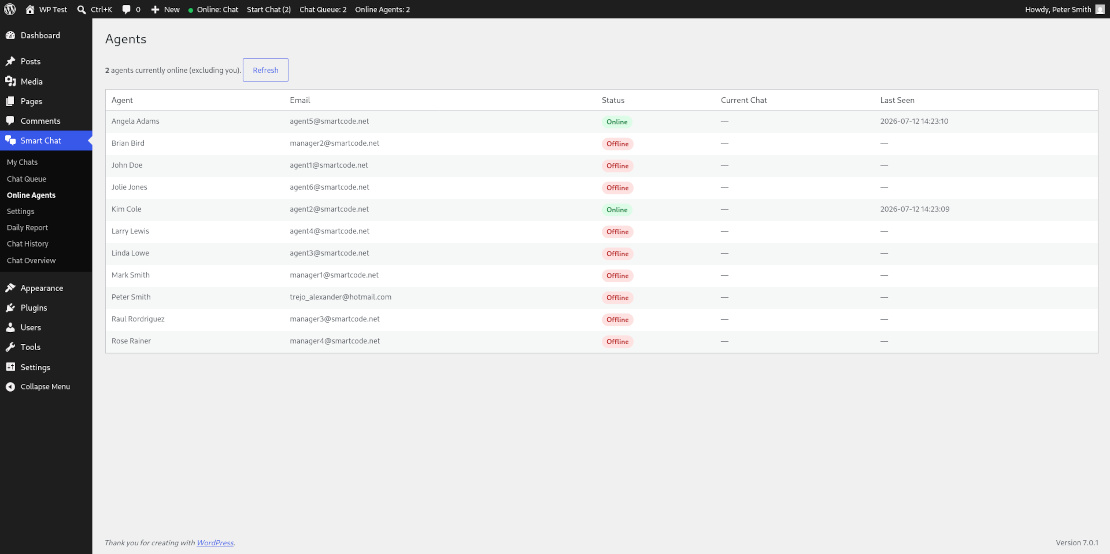
Agents Status — Shows agent online/offline status
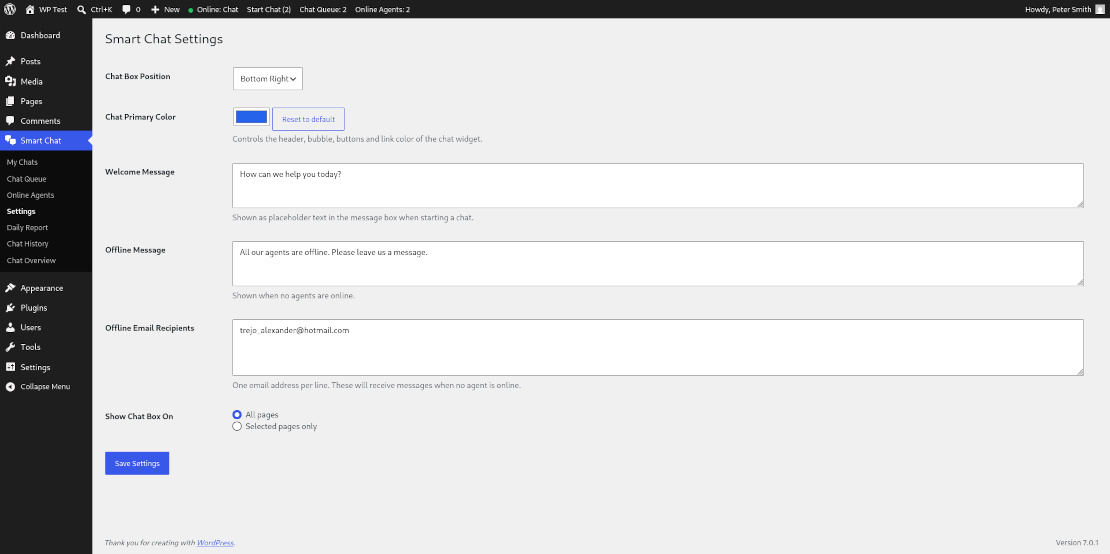
Settings — color picker, messages, position, and page targeting
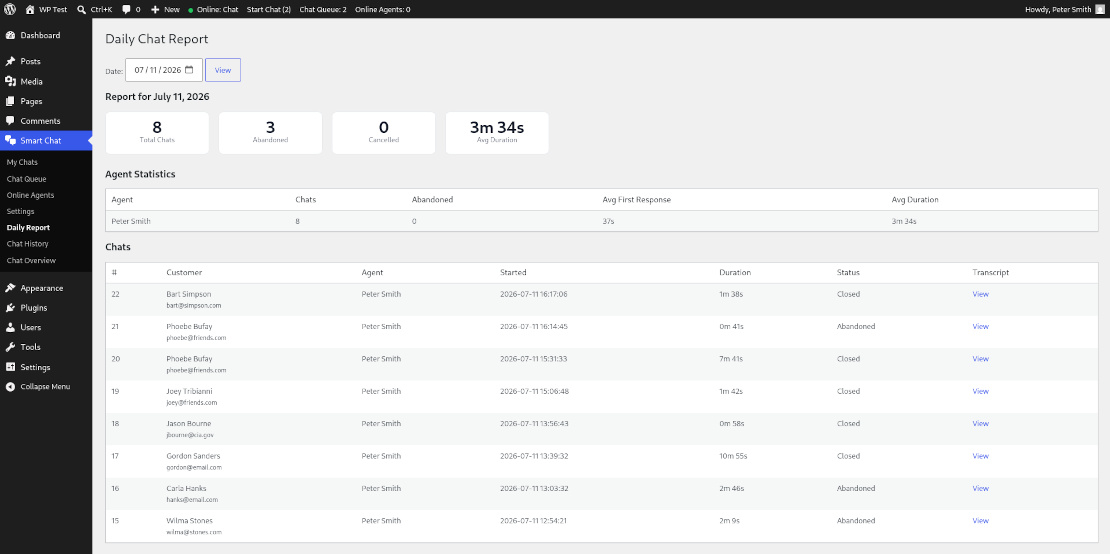
Daily Report — per-agent stats for chats handled that day
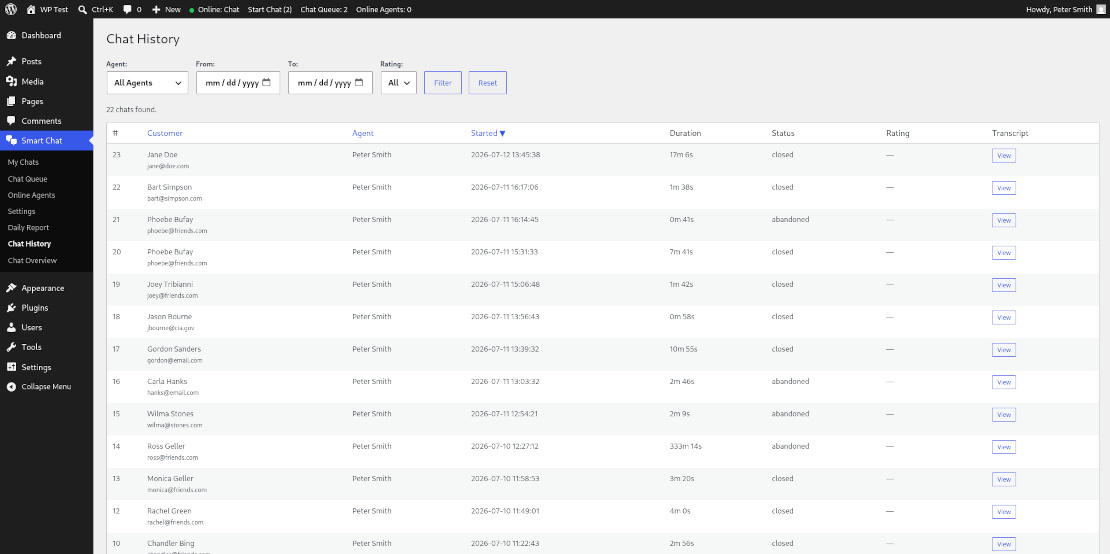
Chat History — all chats stats with date range and rating breakdown
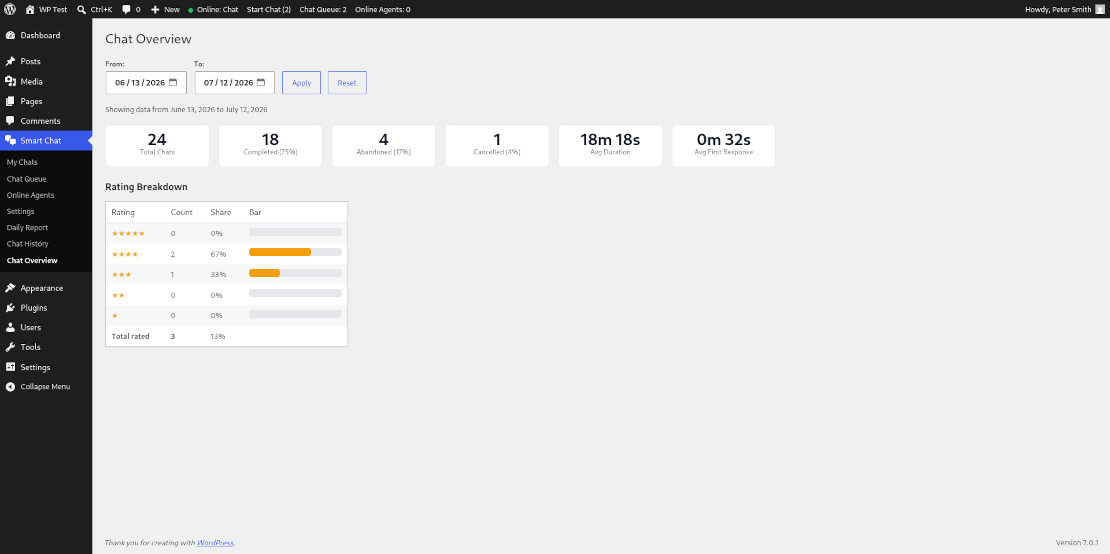
Chat Overview — aggregate stats for a date range, with rating breakdown
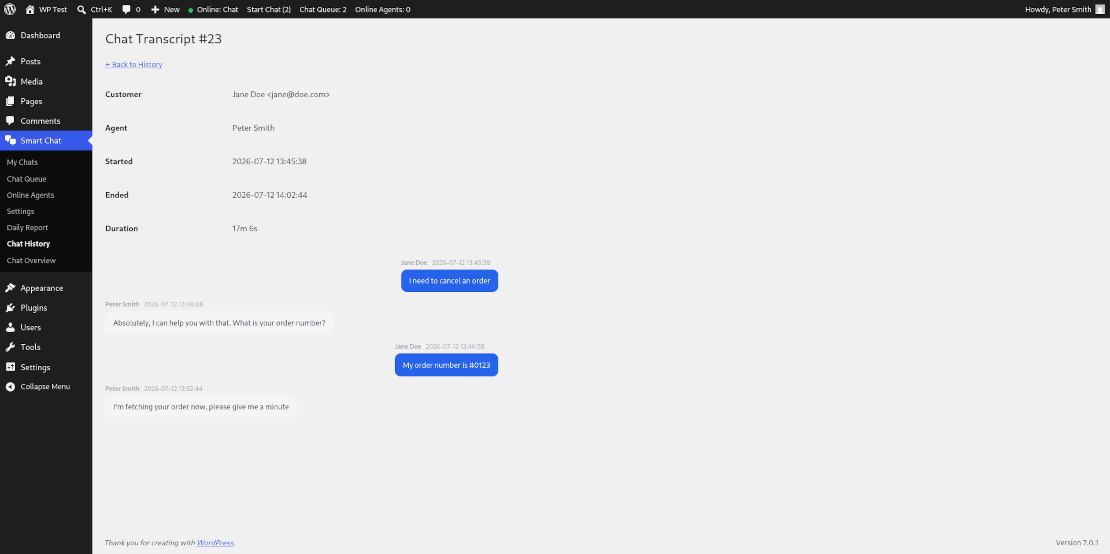
Chat Transcript — Full details for a given chat
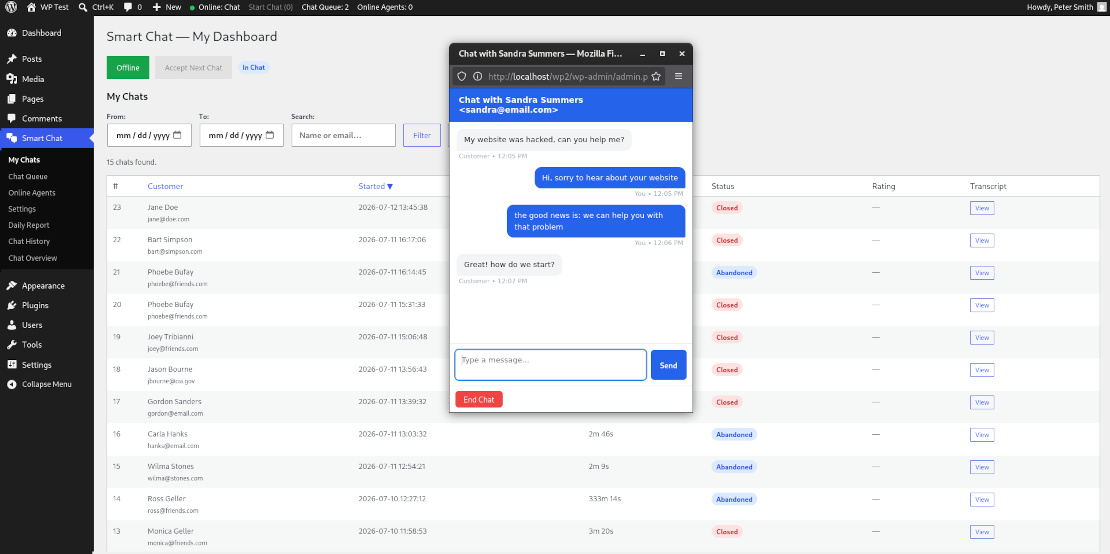
Agent chat popup — real-time conversation window with typing indicator
Key Features
For Visitors
- Clean, unobtrusive chat bubble — bottom-left or bottom-right
- Customizable welcome message and primary color to match your brand
- Real-time queue position ("You are next!" or "3 chats before you")
- Typing indicator so visitors know the agent is responding
- Star rating at the end of every chat, with transcript by email on request
- Chat stays open as visitors browse between pages
- Offline contact form when no agents are available
For Agents & Managers
- Toggle online/offline from the WordPress admin bar, on any page
- Accept the next waiting customer with one click
- Real-time chat popup with typing indicator
- Live queue view and online agents dashboard
- Full chat history with filters by agent, date range, and rating
- Daily and date-range reports: totals, completion rate, abandonment rate, rating breakdown
- All data stored in your own database — zero external dependencies
How It Works
- Install and activate — you're redirected to a setup guide automatically
- Create users with the Chat Agent or Chat Manager role
- Customize the welcome message, color, and widget position in Settings
- Agents log in, click "Go Online" in the admin bar, and start accepting chats
Installation & Setup
- Upload the smartcode-live-chat folder to /wp-content/plugins/, or install directly through the WordPress plugin screen
- Activate the plugin through the Plugins screen
- Follow the setup guide that appears automatically after activation
- Assign the Chat Agent or Chat Manager role to your support staff
- Go to Smart Chat → Settings to customize the widget
Privacy & Data
Smartcode Live Chat stores visitor data (name, email, IP address, and chat messages) in your own WordPress database. No data is transmitted to the plugin author or any third party — you're in full control.
If you use Smartcode Live Chat to collect personal data from EU visitors, make sure your privacy policy reflects this, as required by GDPR.